
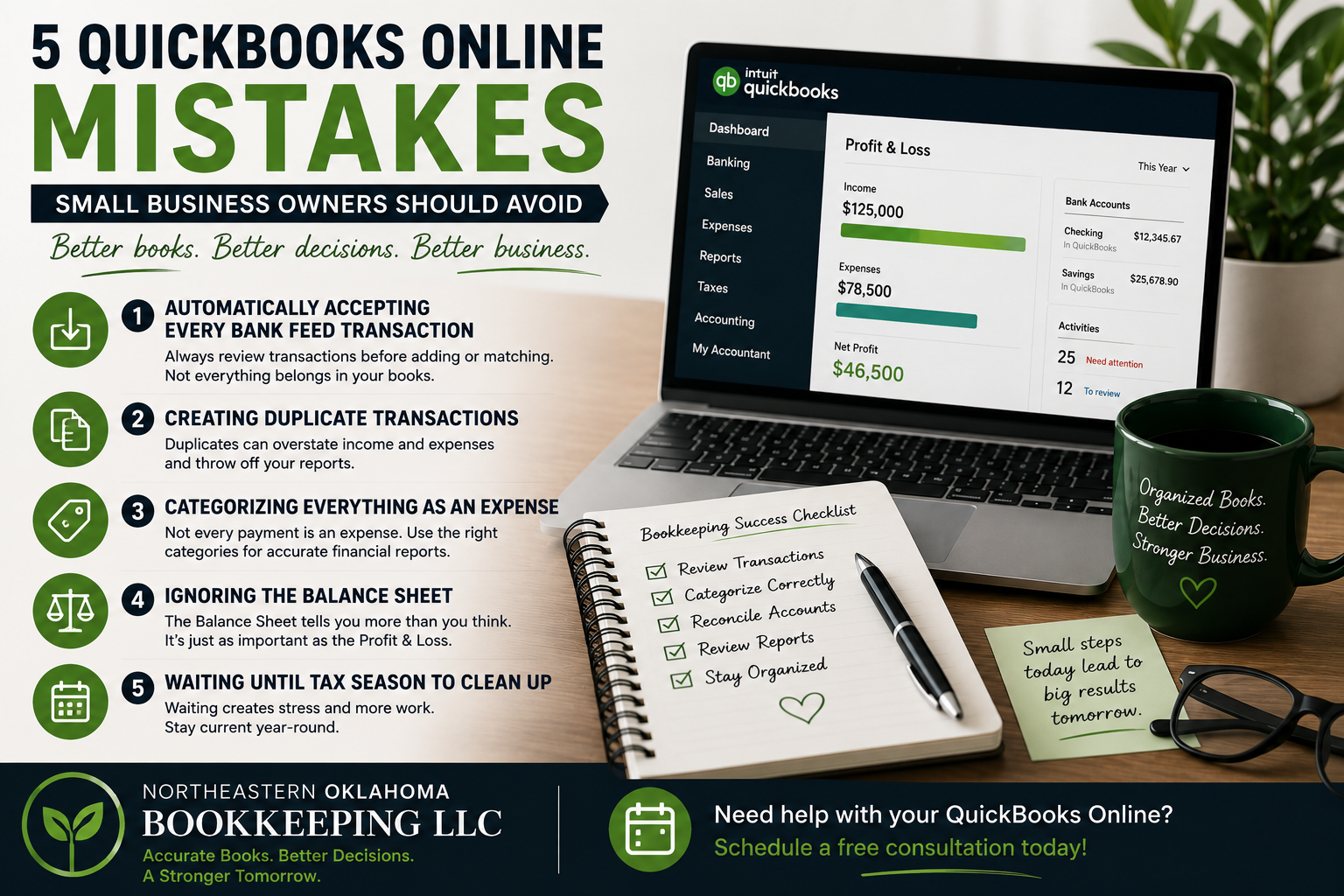
5 QuickBooks Online Mistakes Small Business Owners Should Avoid
QuickBooks Online can be an excellent tool for managing your business’s financial records.
But there’s an important distinction:
Having QuickBooks doesn’t automatically mean your books are accurate.
Software can automate portions of the bookkeeping process, but it still depends on how transactions are entered, categorized, matched, and reviewed.
Here are five common mistakes small-business owners should watch for.
1. Automatically Accepting Every Bank Feed Transaction
Bank feeds can save an enormous amount of time.
But clicking “Add” or “Match” without reviewing a transaction can create problems.
Before accepting a transaction, you should understand what it represents and make sure it belongs in the correct account and category.
Automation should make bookkeeping more efficient—not eliminate human review.
2. Creating Duplicate Transactions
Duplicates can happen in several ways.
For example, a transaction may already exist in QuickBooks and then be added again from the bank feed.
The result?
Your income or expenses could potentially be overstated.
Regular reconciliation can help identify these issues.
3. Categorizing Everything as an Expense
Not every payment leaving your bank account is simply an expense.
Loan payments, credit card payments, owner transactions, transfers between accounts, and other transactions may need different accounting treatment.
Incorrect categorization can distort your financial reports.
When you aren’t sure how something should be recorded, guessing can create a larger cleanup project later.
4. Ignoring the Balance Sheet
Many business owners naturally focus on the Profit and Loss report because they want to know how much money the business made.
But the Balance Sheet is important too.
It provides information about assets, liabilities, and equity and can reveal bookkeeping issues that aren’t immediately obvious from the Profit and Loss report alone.
Both reports can tell you important things about your business.
5. Waiting Until Tax Season to Clean Everything Up
This is one of the biggest bookkeeping mistakes a business can make.
Waiting until the end of the year means potentially sorting through an entire year’s worth of transactions at once.
Monthly bookkeeping allows problems to be identified much sooner.
It also means that when your tax professional asks for financial information, you’re in a much better position to provide organized records.
QuickBooks Is Powerful—When Your Books Are Maintained Properly
QuickBooks Online can make bookkeeping significantly more efficient, but software can’t replace good bookkeeping practices.
Your accounting system should help you understand your business—not leave you wondering whether you can trust the numbers.
At Northeastern Oklahoma Bookkeeping LLC, I specialize in helping small businesses maintain their bookkeeping using QuickBooks Online.
If you’re currently using another bookkeeping platform and want to move to QuickBooks Online, I can also discuss options for helping with the transition.
Need help getting more out of QuickBooks Online? Schedule a free consultation and let’s talk about your bookkeeping needs.